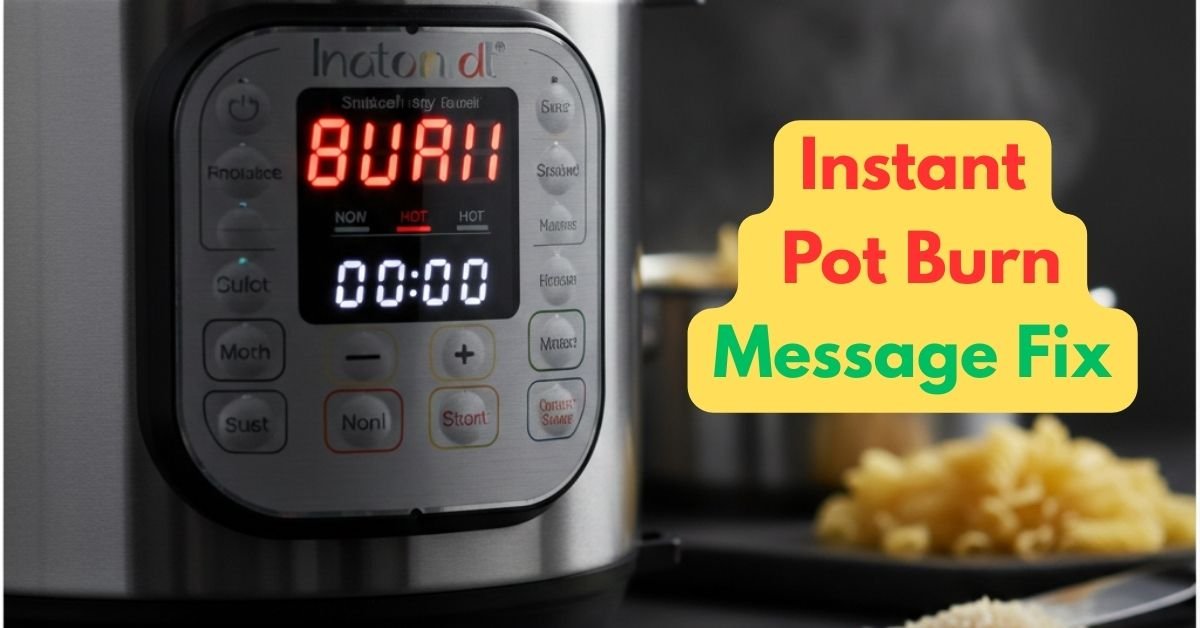
There is nothing quite as heart-sinking as hearing that high-pitched “beep” and seeing the Instant Pot burn message flashing on your display. It usually happens right when you’re starving and dinner is supposed to be minutes away.
Before you panic and reach for the takeout menu, take a breath. The “Burn” message is rarely a sign of a broken machine; it is actually a safety feature designed to protect your meal and your appliance. In this guide, we’ll dive into the 7 common reasons your Instant Pot is acting up and, more importantly, how to fix it fast.
What Does the Instant Pot Burn Message Mean?
Your Instant Pot has a thermal sensor located at the bottom of the base. This sensor monitors the temperature of the inner pot. If it detects that the temperature has risen too high—usually because there isn’t enough thin liquid to keep the bottom cool—it triggers the warning to prevent the food from scorching and the base from overheating.
7 Reasons Your Instant Pot Says “Burn”
1. Not Enough “Thin” Liquid
Pressure cookers rely on steam to build pressure, and steam requires thin liquid (like water, broth, or wine). If you are using thick sauces like BBQ, honey, or canned tomato sauce, they will sink to the bottom and burn before the pot can reach pressure.
2. Improper “Deglazing” After Sautéing
One of the most common ways to prevent the Instant Pot burn message is to deglaze the bottom of the pot with liquid after sautéing.
If you use the Sauté function to brown meat or onions before pressure cooking, small bits of food often get stuck to the bottom. If you don’t scrape these off (deglaze) with a splash of liquid, the sensor will detect those hot spots immediately. Using a high-quality silicone spatula is essential for properly clearing the bottom of the pot.
3. A Dirty Heating Element
Sometimes the problem isn’t inside the pot, but under it. A stray grain of rice or a splash of dried sauce on the heating element (the silver disk inside the base) can cause the sensor to misread the temperature.
4. Damaged or Smelly Sealing Ring
If the steam escapes because of a loose ring, the pot won’t pressurize, leading directly to an Instant Pot burn message.
If your silicone ring is stretched out or hasn’t been seated correctly, steam will escape from the lid. This causes the liquid inside to evaporate too quickly, leading to a dry pot and a burn signal. Most pros recommend keeping a replacement 2-pack of sealing rings on hand so you’re never caught off guard.
5. The Floating Valve is Stuck
If the small silver pin (the float valve) is gunked up with food debris, it won’t rise to seal the pot. Just like a bad ring, this allows steam to escape, drying out your dinner.
6. Layering Mistakes
When cooking starchy foods like pasta, beans, or oatmeal, never stir them into the liquid. They should be layered on top of the other ingredients. Starch creates a thick film on the bottom of the pot that triggers the “Burn” sensor almost instantly.
7. Using the Wrong Inner Pot
While the stainless steel pot is great, it is prone to sticking with certain recipes. If you find yourself constantly battling the burn message, many users switch to a Ceramic Non-Stick Inner Pot, which is much more forgiving with dairy or starch-heavy meals.
How to Save Your Dinner: Step-by-Step
If the message pops up, don’t just wait! Follow these steps:
- Release the Pressure: Perform a Quick Release to get the lid off.
- Check the Bottom: Look for a “hot spot” where food is stuck.
- Add Thin Liquid: Add a 1/2 cup of broth or water.
- Scrape and Stir: Clear the bottom of the pot completely.
- Restart: Secure the lid and try again.
When is it Time for a Fresh Start?
If you’ve tried deep-cleaning the heating element, replaced the sealing ring, and you’re still seeing that dreaded ‘Burn’ message every other meal, your internal sensors might be failing. Small appliances don’t last forever, and sometimes the stress of a faulty pot isn’t worth a ruined dinner. If your machine is over 5 years old, upgrading to a newer model with advanced overheat protection can save you hours of frustration.
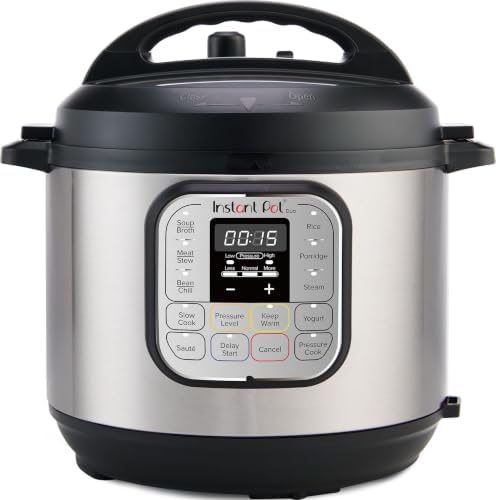
- 7 Cooking Functions: Pressure cook, slow cook, sauté, steam, make rice, yogurt, or simply keep your meal warm—all in one…
- Compact Yet Capable: A 3-quart capacity makes it perfect for small households or side dishes, and with 11 one-touch smar…
- Good Food Done Faster: Cook up to 70% faster compared to slow cooking methods.
Recommended Fix-It Kit


Conclusion
The Instant Pot “Burn” message is a frustration every home cook faces eventually. By understanding how to layer your ingredients and keeping your sealing rings in top shape, you can stop the beeping and get back to enjoying your meal.
If you’re still seeing that dreaded Instant Pot burn message even after trying these fixes, it might be time for a fresh start.




wonderful submit, very informative. I’m wondering why the opposite experts of this sector do not realize this.
You must proceed your writing. I’m sure, you’ve a huge readers’ base already!
Simply want to say your article is as astonishing.
The clearness in your publish is simply spectacular and that i can suppose you’re knowledgeable in this subject.
Fine with your permission let me to snatch your feed to keep up to date with forthcoming
post. Thank you 1,000,000 and please keep up the enjoyable work.